Aqara installation and setup
Start with Aqara sensors, switches or a wall touchscreen. We build your automations in Aqara Home and bring compatible controls into Apple’s Home app.
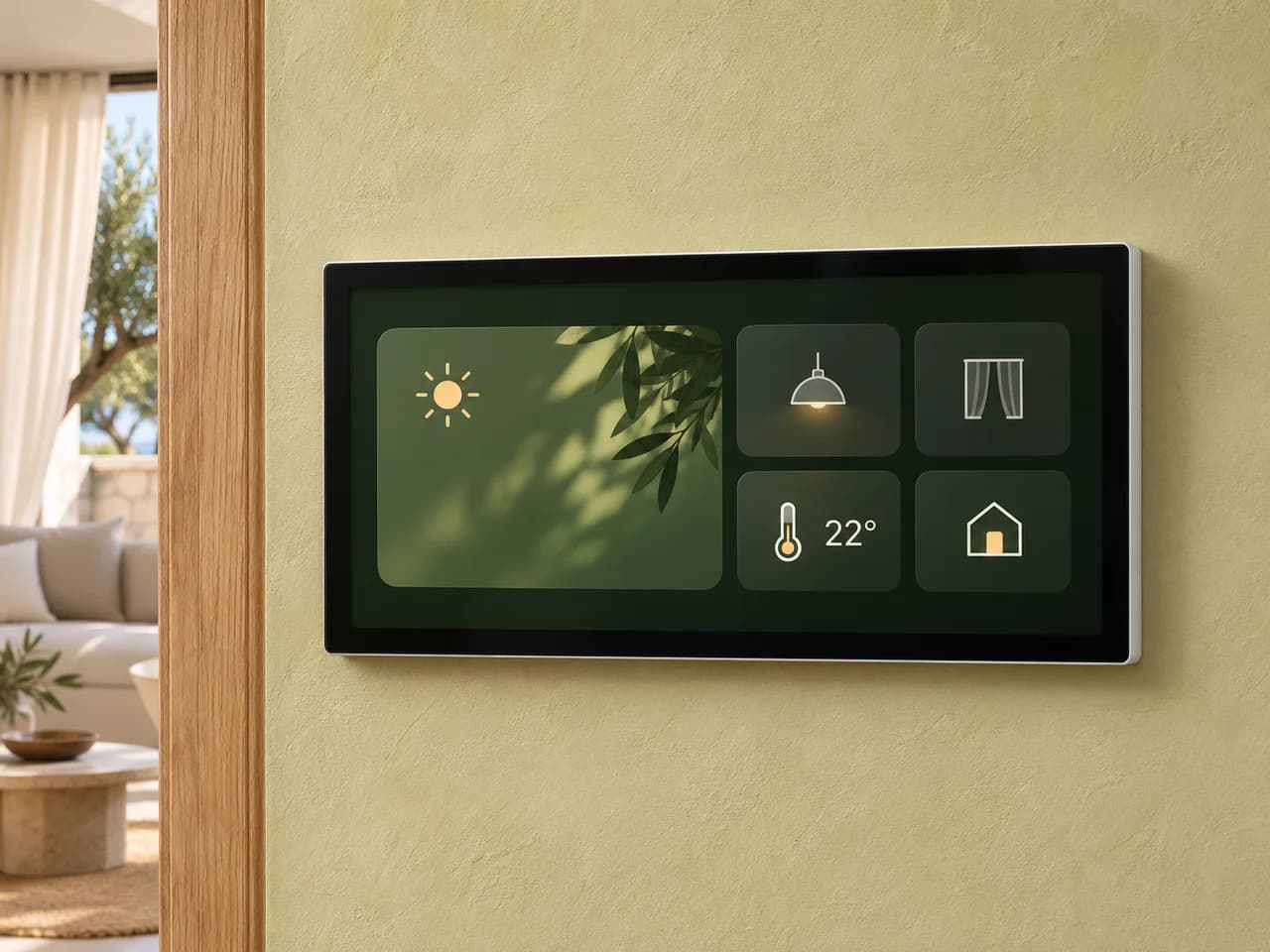


We connect compatible devices and the functions available in each system.
What we can add to Aqara
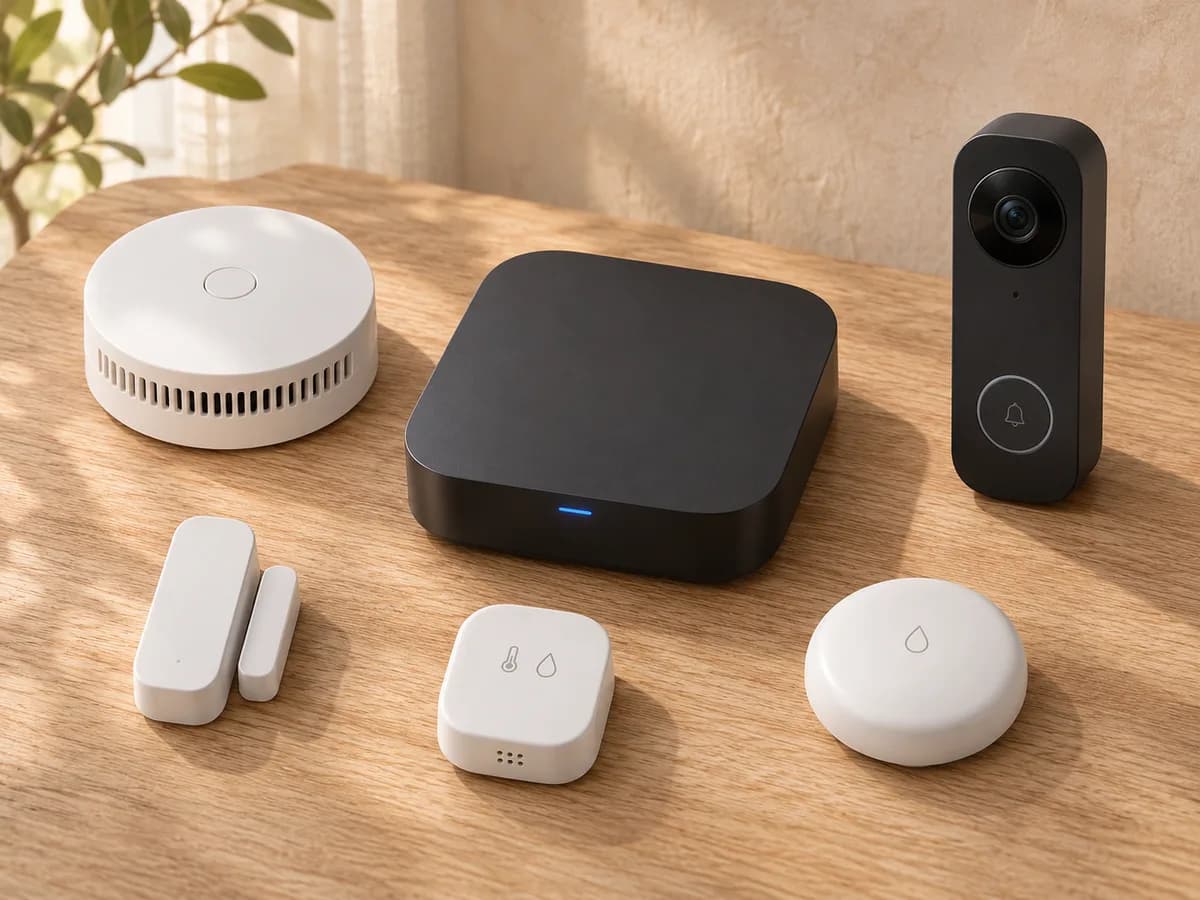
Hub
Connects compatible devices so they can work together in automations.
Door and window sensors
Show what’s open and can pause the AC when a window opens.
Leak sensors and shut-off valves
Detect water and, with the right valve, stop the supply.
Smoke detector
Sounds an alarm and, with a compatible hub, sends a phone alert.
Temperature and humidity
Track room conditions and use them in climate or ventilation routines.
Presence and motion
Turn on lighting when a room is in use and turn it off when it is empty.
Lighting and wall panels
Bring switches, dimming and whole-room scenes together.
Curtains and blinds
Open at the start of your day and close for sun protection or privacy.
Smart plugs and relays
Connect suitable appliances to schedules and shared routines.
Smart locks
Set up convenient access for family and time-limited access for guests.
Doorbells and cameras
See visitors, receive a ring notification and check in from your phone.
These are some of the devices we integrate. We can also add compatible light strips, air-quality monitors and vibration sensors, with the functions supported by your system.
Devices that work together
Connect sensors with lighting, curtains, climate and a wall touchscreen. Door and window sensors show whether they are open or closed and send notifications to your phone. Routines respond to your day.
Aqara in Apple Home
Compatible Aqara devices can appear in the built-in Home app on iPhone. Use them in Apple Home scenes and control supported functions with Siri.
Expand your system over time
Add a room, a smoke detector, a doorbell or another supported device when you need it. Aqara can also work alongside Home Assistant to connect equipment from different brands.