Smart lighting control
Use a wall switch, let a presence sensor turn the lights on, or ask your voice assistant. We set up lighting zones, brightness and scenes in Paphos and Limassol.
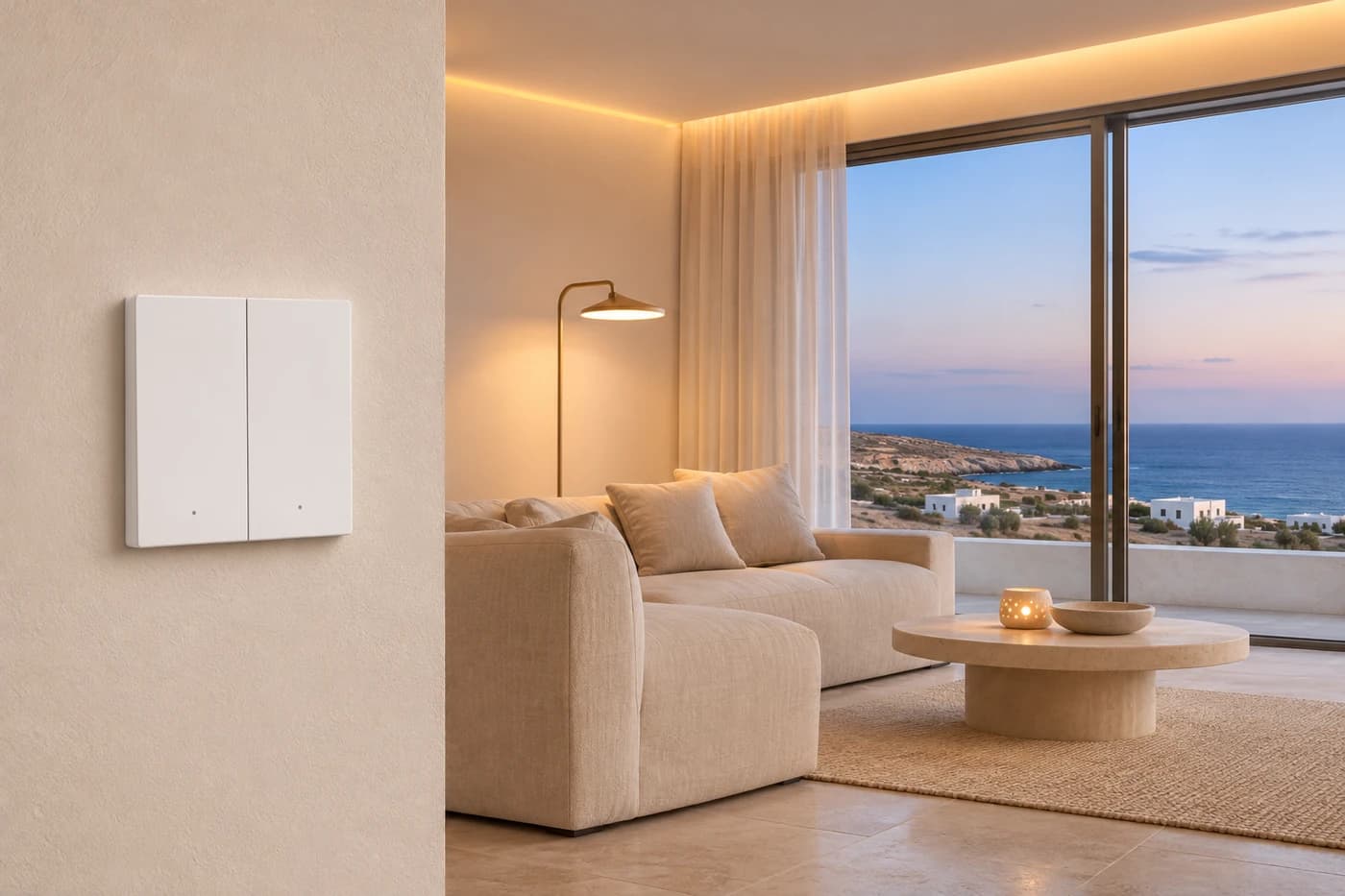
Wall controls
Adjust the lights from the wall
Use rocker or touch switches and wall panels for everyday lighting control. Adjust supported light levels and colour temperature or launch a scene for the whole room.
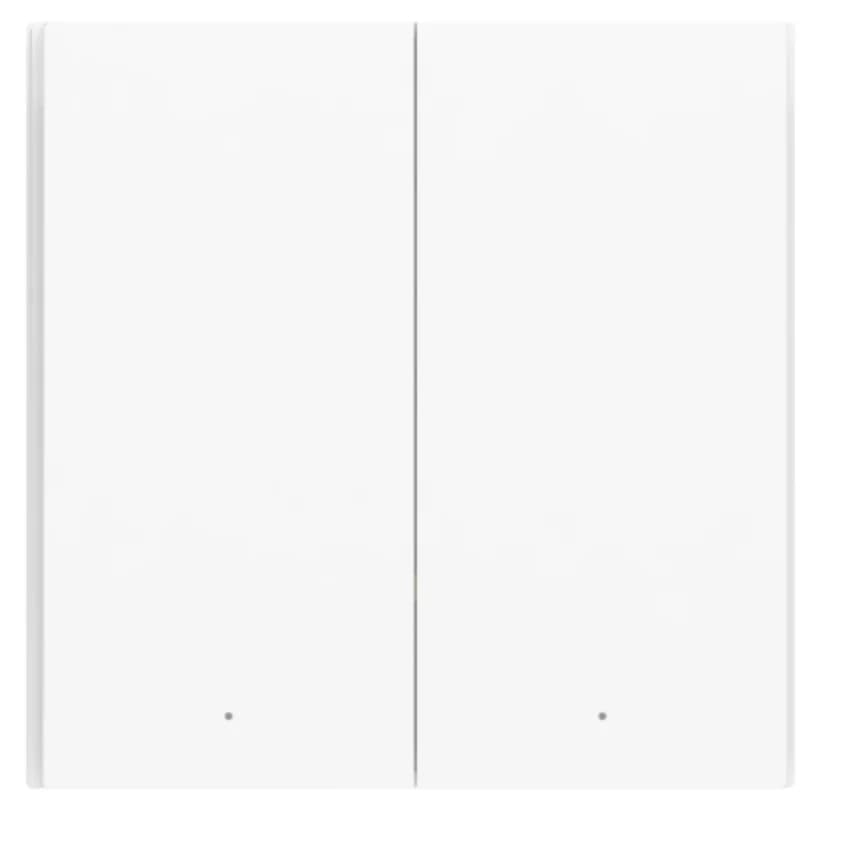
Rocker switch
Two physical rockers control separate groups of lights.
Touch controls
Tap to turn on the lights or adjust the brightness.
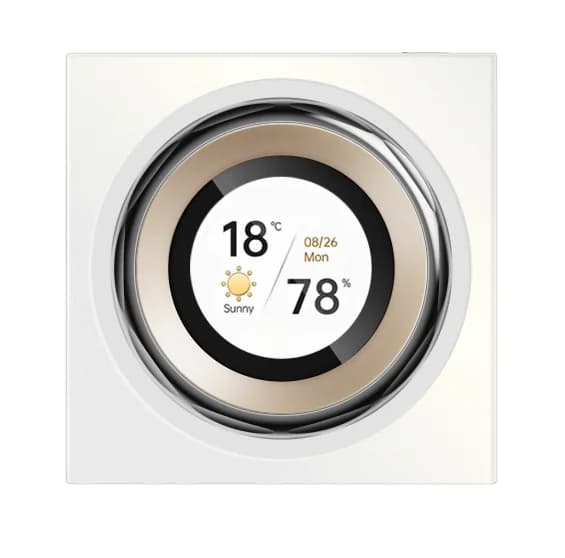
Wall panel
Bring several lighting groups together on one control panel.
Presence detection
How presence-based lighting works in your rooms
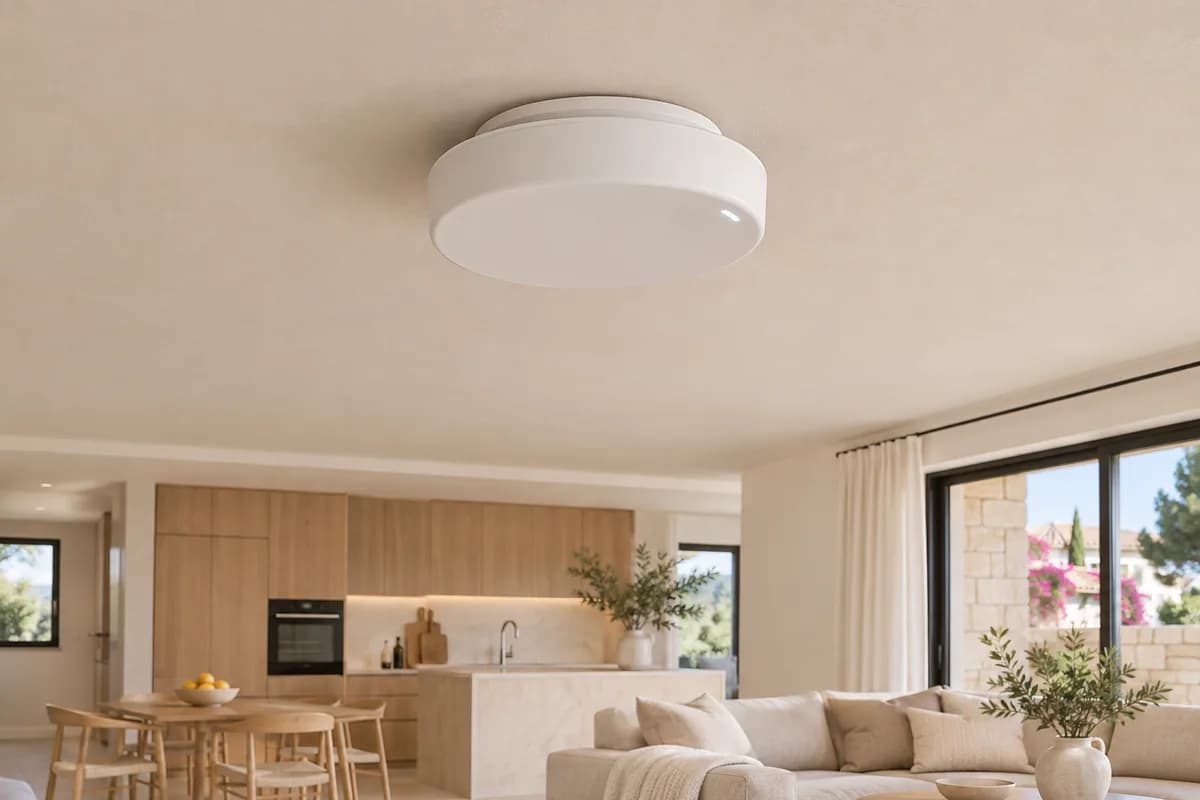
One sensor, separate zones
We divide the room into zones. The lights respond to where you are — at the kitchen counter, by the sofa or in the walkway.
- Kitchen
Worktop lights
- Walkway
Low-level lighting
- Living room sofa
Floor lamp
One sensor, different light throughout the day
Daytime
When there isn’t enough daylight, the ceiling lights come on as you enter.
Evening
The same sensor turns on warm accent lighting instead of the ceiling lights.
You enter
The sensor detects you and turns on the lights.
You stay
The lights stay on while you’re in the room, even when seated.
You leave
The lights go out after the room has been empty for the set time.
Motion lights the way through a hallway. A presence sensor keeps the room lit while you read or work, then switches the lights off when everyone leaves.
Divide an open-plan room into zones. The kitchen, sofa and walkway can each trigger their own light. Time of day and daylight levels determine whether the main lights or a soft night light comes on.
Voice
Scenes from the app or by voice
A Film scene leaves soft backlighting, while Leaving Home switches selected lights off. Run your scenes from the app or ask Siri or Alice.
- “Siri, turn on the floor lamp”
One light comes on.
- “Siri, set my film night scene”
The ceiling lights go out and the accent lighting stays on.